Build 17: your sets survive bad gym WiFi
July 28, 2026 · 2 min read
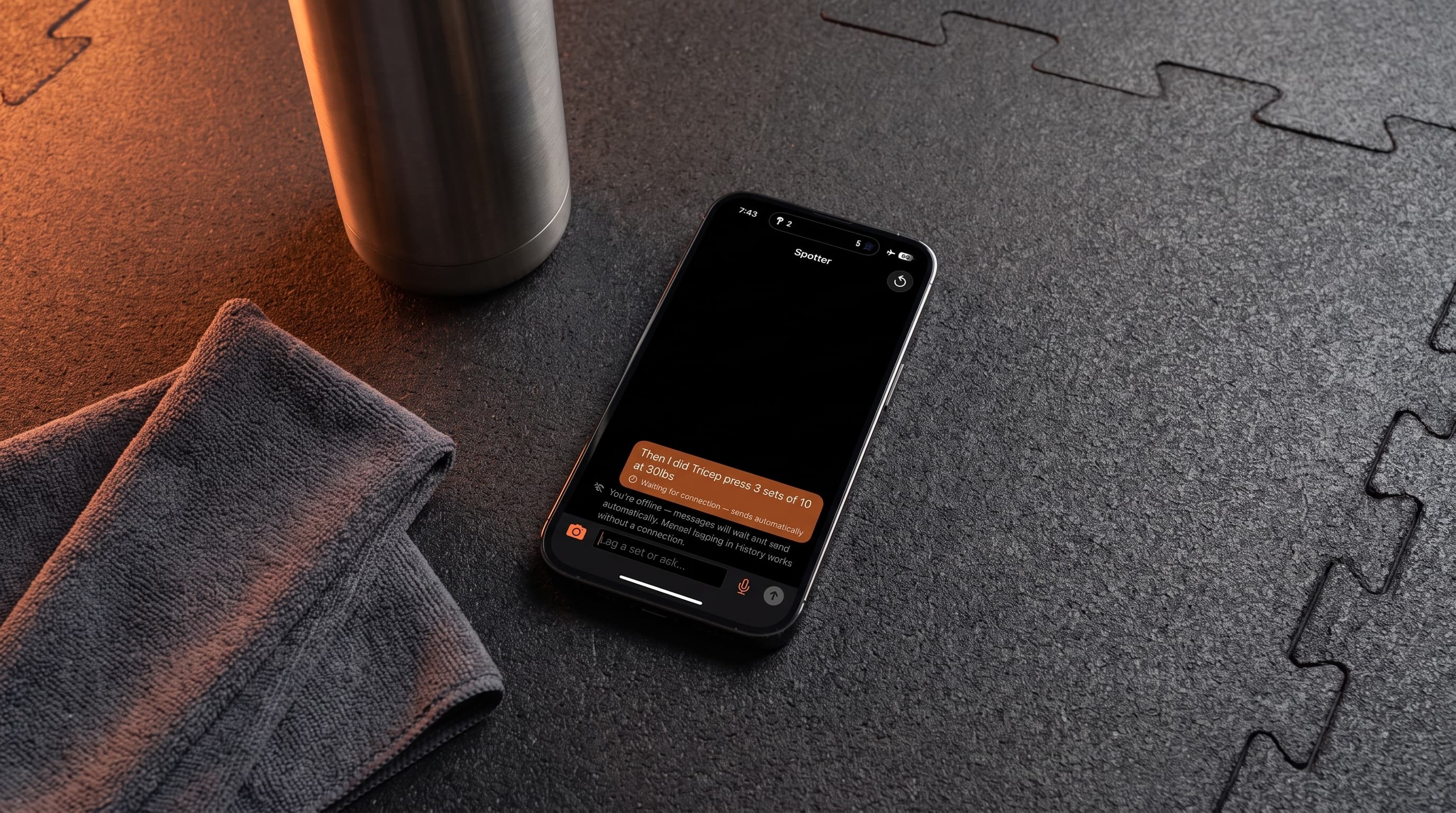
One of our beta testers trains at a university gym with WiFi that drops mid workout. He noticed his history recorded two exercises and then stopped. His report was right on the money, and build 17 is the fix.
What was happening
Spotter keeps every workout on your phone, but understanding what you said takes one round trip to the coach. If your connection dropped at that exact moment, the set you spoke was lost and nothing retried. Campus WiFi, concrete corners of the weight room, a dead spot by the squat rack. Any of them could eat a set.
What changed
If a message can't reach the coach, it now waits on your phone and sends itself. You'll see it marked right on the bubble.
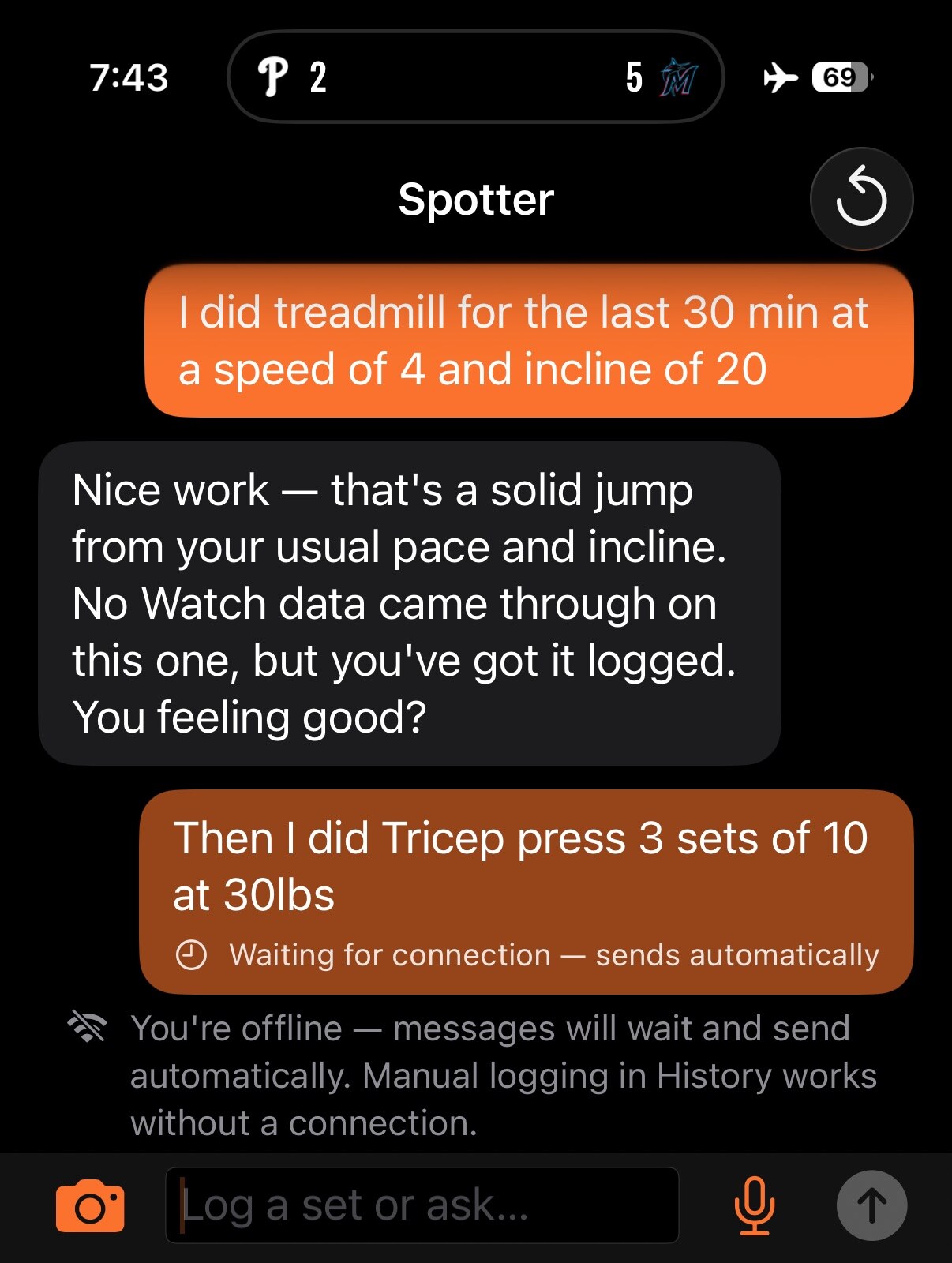
- Queued messages send automatically when the connection returns, when you reopen the app, or with your next message, in the order you spoke them.
- Photos attached to a queued message are kept at full quality and arrive with it.
- A banner tells you when you're offline, and manual logging in History always works with no connection at all.
- Error notices are honest now. If a drop happened mid reply, the app says some of it may already be logged and points you at History.
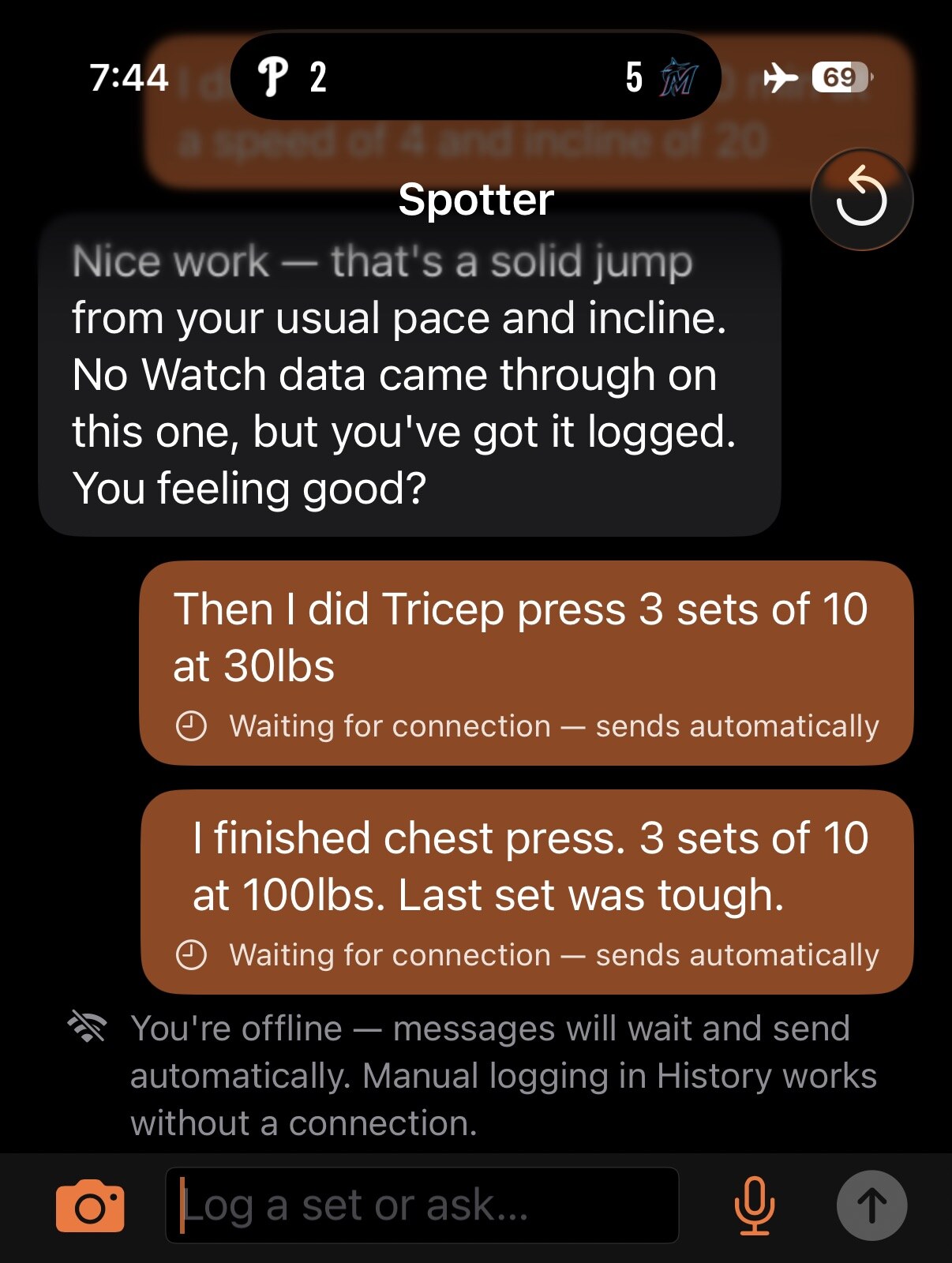
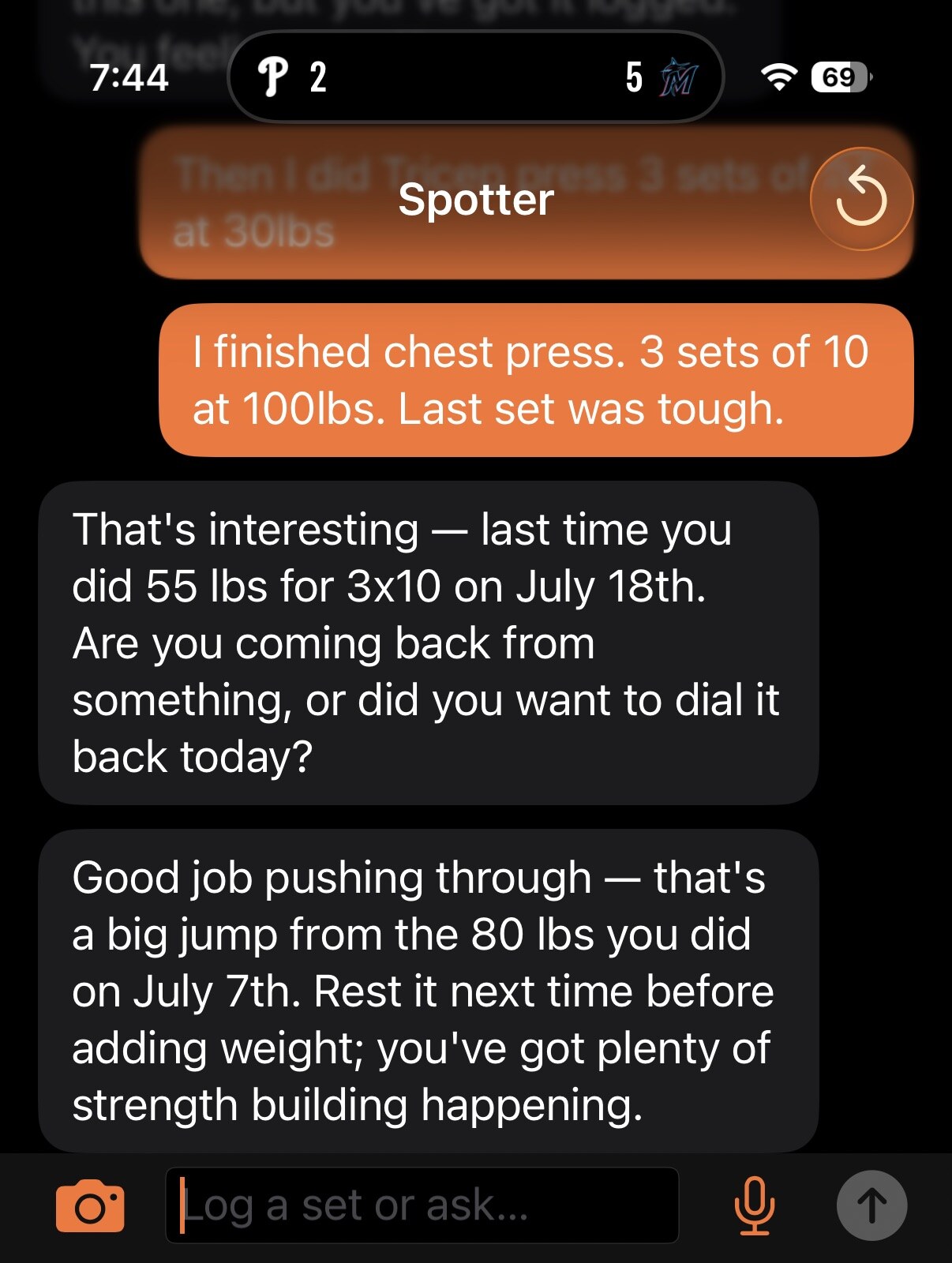
When the connection comes back, the coach catches up on everything you logged, with full context. It will still compare you to last time, and it will still ask questions when your numbers look off.
Try it yourself
Turn on Airplane Mode, tell the coach about a set, and watch it queue. Turn WiFi back on and watch it deliver and log. Then check History to see it landed once.
What's next
Editing and deleting logged sets (so a mis-heard "for" instead of "4" isn't permanent), and making the coach respect injuries and recovery constraints much more strongly. Both came from the same tester's reports. Keep them coming, they're the fastest way to make Spotter better.
The workout log you talk to.
Join the free iPhone beta