Build 19: your history lives in your iCloud now
July 28, 2026 · 2 min read
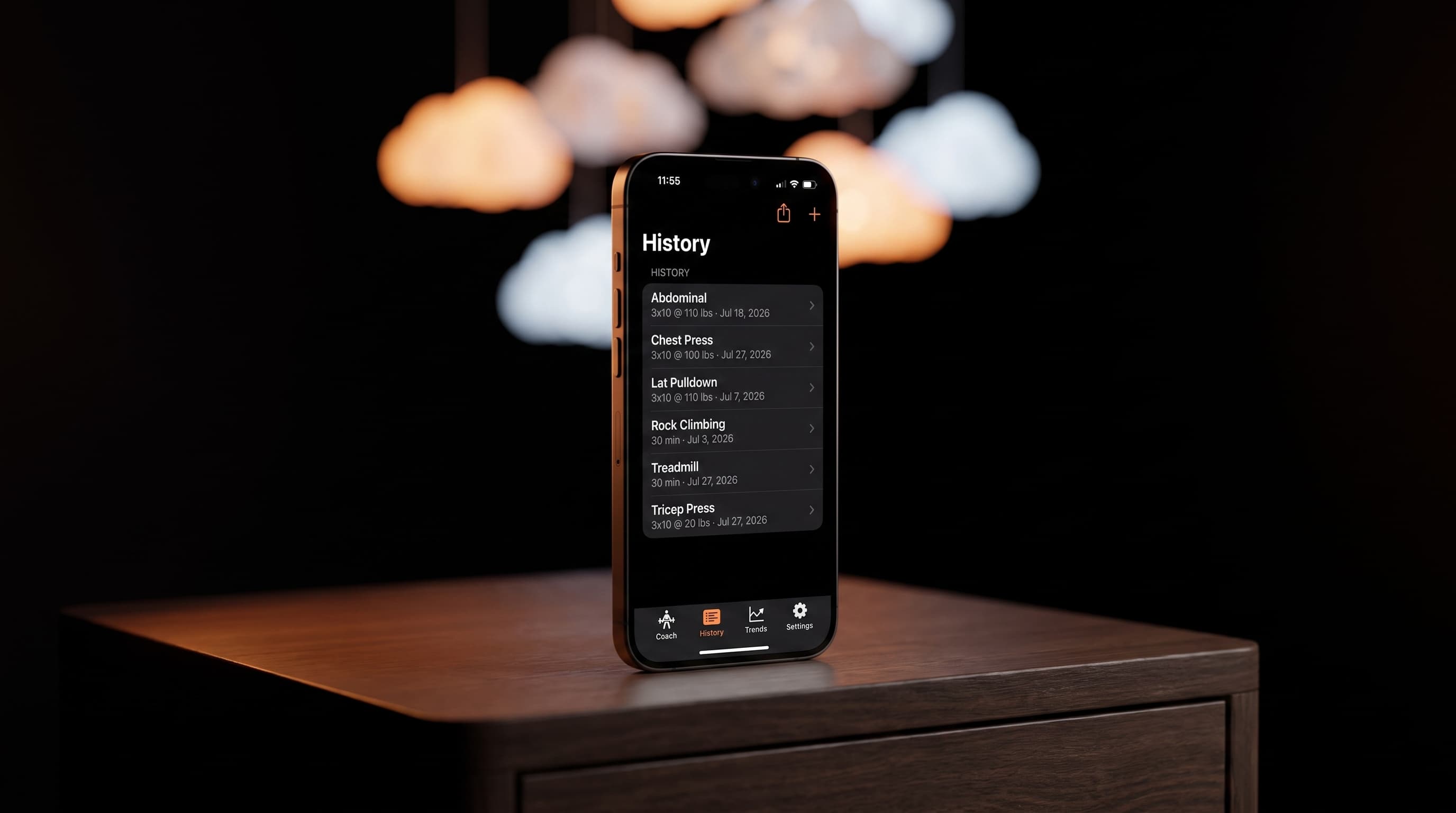
Until this build, everything Spotter knew about you lived in exactly one place: your phone. That was a deliberate choice, and it's still true that nothing goes to our servers. But it had a sharp edge. Delete the app and your history went with it.
Build 19 removes that edge.
What changed
Your workouts, sessions, chat, and everything the coach knows about you now sync to your private iCloud storage. It happens quietly in the background. Nothing changes in how you use Spotter.
What it buys you:
- Delete the app and reinstall it, and your history comes back on its own.
- Get a new iPhone, sign into the same Apple account, and Spotter picks up where you left off.
- No account to create, no export to remember to run. If you're signed into iCloud, you're covered.
The proof
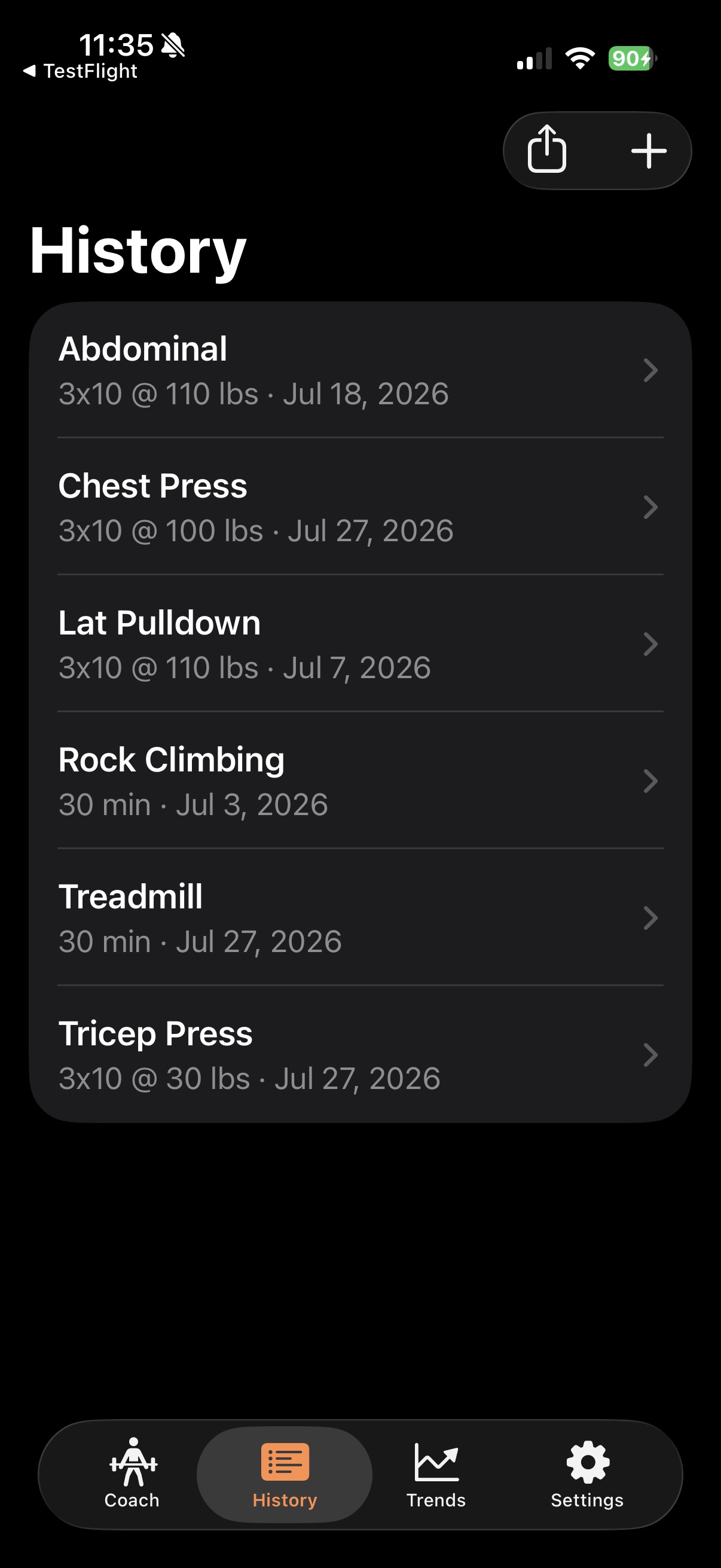
This screenshot was taken moments after deleting the app completely and reinstalling it from TestFlight. Every exercise, every set, right where it was left.
Where the data goes
Your private iCloud database, tied to your Apple account. Not our servers. We can't read it, and nothing about this changes what leaves your phone: the only thing Spotter ever sends anywhere else is the message you're asking the coach about, so it can be understood and answered.
Try it yourself
Log a set. Delete the app. Reinstall from TestFlight and open the History tab. Give it a moment on WiFi and watch your workouts reappear.
Also new in this build: after each update, Spotter shows a one-time notice linking to the changelog, so you always know what changed without hunting for it.
What's next
Editing and deleting logged sets, so a mis-heard "for" instead of "4" isn't permanent. Every one of the last three builds came from beta tester reports. Keep them coming.
The workout log you talk to.
Join the free iPhone beta